Block Blast Mod APK vs Original Game (2026): Complete Comparison Guide
If you’ve searched for “Block Blast Mod APK vs Original ” you’ve probably noticed most results either read like a sales pitch or repeat the same three sentences in five different sections. This guide skips that. It’s a straight, fact-checked comparison built to actually help you decide – not to talk you into a download.
Block Blast, developed by Hungry Studio, has crossed 100 million downloads and holds a 4.7-star rating from over 800,000 reviews on Google Play. That popularity is exactly why so many modified versions exist. Some are genuinely useful. Others are outdated, poorly built, or unsafe.
This article covers what actually changes between the official release and a Block Blast Mod APK, including specific features, real risks, installation steps, and which version fits which type of player. No vague claims – just the details you need before you install anything.
What Is Block Blast Original?
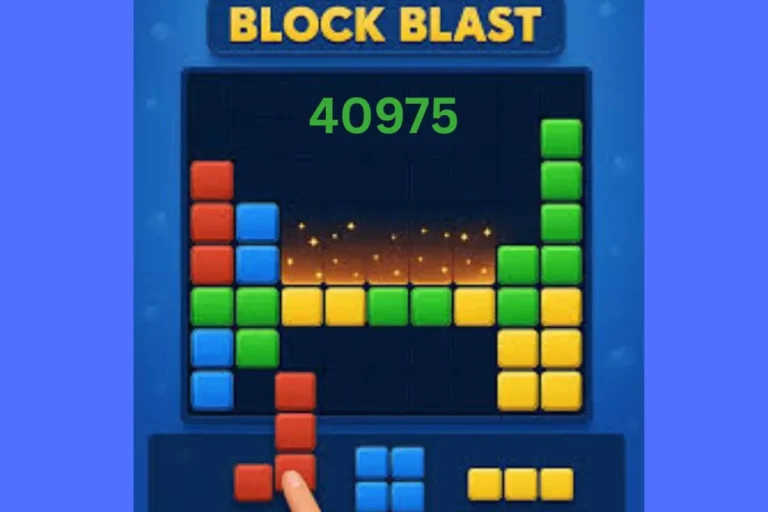
Block Blast Original is the official version published by Hungry Studio through Google Play and the Apple App Store. It’s a turn-based puzzle game: you place block shapes onto an 8×8 grid, clear full rows or columns, and chase a higher score with each session. There’s no timer and no rotation – you plan around the shapes you’re given.
The official version connects to Google Play Games or Apple Game Center, which means your score history, achievements, and progress sync automatically across devices. It also receives scheduled updates directly from the developer, tested before release for bugs and device compatibility.
Standard advertising appears between rounds and as optional rewarded videos for bonus revives. This is the game’s main revenue source, and it’s what funds continued development.
What Is Block Blast Mod APK?
A Block Blast Mod APK is a modified installation file built by independent developers, not Hungry Studio. These builds alter the game’s code to unlock features that are normally limited or paywalled – most commonly unlimited revives, a score multiplier (often listed as 10x or 20x), an ad-free experience, and a mod menu that toggles these options on or off inside the game itself.
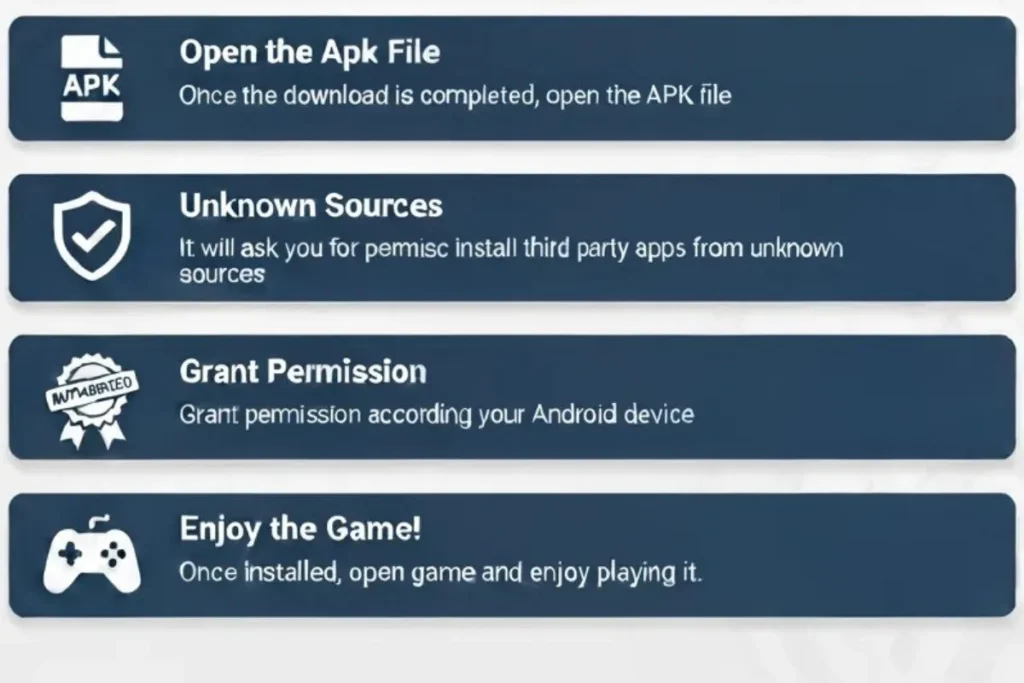
Because these files come from outside official app stores, installing one requires enabling “Unknown Sources” in your Android settings. Progress in a mod version is stored locally on your device – it does not sync with Google Play Games, and it doesn’t transfer if you later switch back to the original.
One detail most guides skip: on several mod builds, unlocked features don’t activate on the very first launch. You may need to fully close the app (force stop) and reopen it before the mod menu or unlocked options appear. If you try a Latest Block Blast Mod APK and nothing seems unlocked at first, this is usually why. For a full walkthrough of the in-game toggle system, see our mod menu guide.
Detailed Comparison Table
Comparison Point | Block Blast Original | Block Blast Mod APK |
|---|---|---|
Developer | Hungry Studio (official) | Third-party modders |
Download Source | Google Play / App Store | Third-party APK sites |
Cost | Free, optional purchases | Free, features pre-unlocked |
ads | Standard ad frequency | Usually removed |
Revives | Limited, ad-gated | Often unlimited |
Score Multiplier | Standard scoring | Often 10x–20x boosted |
Mod Menu | Not applicable | Toggleable in-game menu |
Coins/Gems | Earned through play | Often unlimited |
Levels/Skins | Unlocked through progress | Often unlocked instantly |
Updates | Automatic via app store | Manual, depends on modder |
Google Play Games Sync | Fully supported | Not supported |
Offline Play | Mostly supported | Fully supported |
Android Requirement | Varies by store listing | Typically Android 5.0+ |
Account Needed | Google account recommended | No account required |
Security Review | App store verified | Not independently verified |
Antivirus Flags | Rare | Occasionally flagged (false positives common) |
Terms of Service | Fully compliant | Violates official ToS |
Progress Transfer | N/A | Does not transfer between versions |
Leaderboards | Fully functional | Usually disabled |
Customer Support | Official support channel | Community-based only |
Block Blast Mod APK vs Original (Detailed Comparison)
Gameplay
The core loop is identical: three block shapes per turn, no rotation, clear lines to score. What changes in mod versions is the pacing. With unlimited revives and a boosted score multiplier, a single mod session can rack up points that would normally take multiple careful games to earn legitimately.
Features
The original locks skins, extra levels, and bonus revives behind either progress or in-app purchases. Mod versions typically unlock all of this immediately, plus add the score multiplier and mod menu – features that don’t exist in the official release at all, since Hungry Studio never built a “10x score” toggle into the real game. For a deeper breakdown of what “premium” actually includes across different mod builds, check our premium features comparison.
Ads
Standard ads appear roughly every few rounds in the original, plus optional rewarded ads for extra revives. Mod versions strip these out entirely. This is the single most-requested feature across every mod site reviewed for this guide.
Offline Mode
Both versions play offline reasonably well, since Block Blast doesn’t require constant connectivity for core gameplay. The original may still ping servers occasionally for ads or sync. Mod versions, once installed, typically run fully disconnected with no background sync attempts at all.
Performance
Official builds are tested across a wide range of devices before release. Mod build quality depends entirely on who compiled it – some run identically to the original, others introduce lag, crashes on older Android versions, or battery drain from poorly optimized code changes.
Graphics
No meaningful difference here. Modding a score multiplier or ad-remover doesn’t require touching the game’s visual assets, so both versions look the same on the same device.
Difficulty
Unchanged in the base game itself. What changes is how difficulty feels – unlimited revives in the mod version remove the consequence of a bad placement, which some players find relaxing and others find pointless, since Block Blast’s challenge is largely about accepting the game will eventually end. Our unlimited revive guide covers exactly how this feature changes long-session strategy.
Updates
The original updates automatically through the app store the moment Hungry Studio ships a new build. Mod versions lag behind – a new mod build has to be recompiled and re-released by its developer after every official update, which can take anywhere from a few days to several weeks.
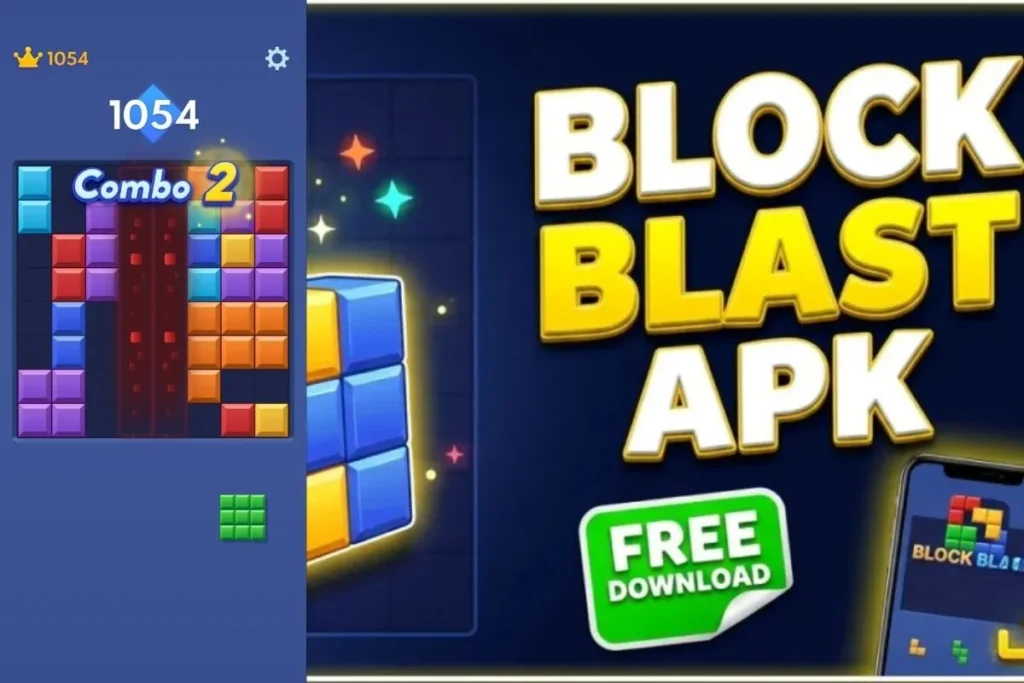
Why Players Choose Block Blast Mod APK Over the Original Game
Based on patterns across player reviews and mod site comments, a few motivations show up repeatedly-
- Ad fatigue – the most commonly cited reason by far. Frequent ad breaks interrupt the flow state that makes Block Blast enjoyable in longer sessions.
- Revive frustration – losing a strong run to one bad placement, then waiting on an ad or currency to continue, pushes players toward unlimited-revive mods.
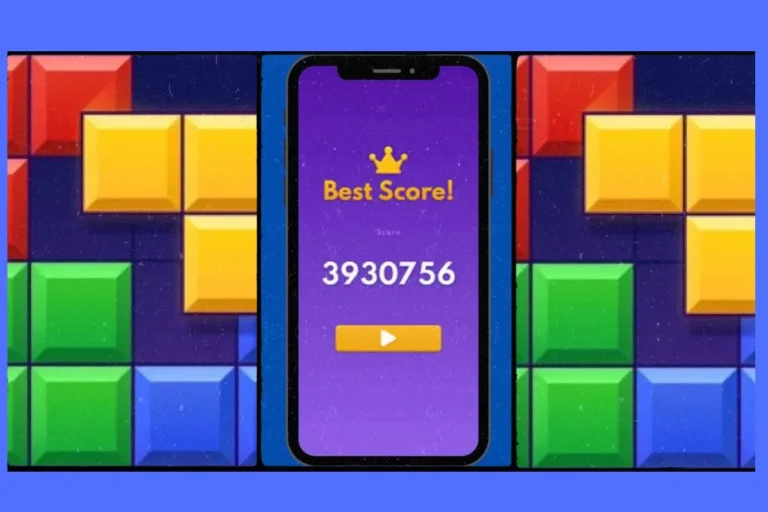
- Curiosity about the score multiplier – watching a single combo turn into a 10x or 20x score jump is, for some players, more entertaining than the puzzle itself.
- No purchase requirement – players who don’t want to spend money on cosmetic skins or extra revives get the same unlocks for free.
- Instant access – skipping the grind to unlock levels or skins appeals to players who want everything available from the first session.
Which Version Is Best for Different Types of Players?
Beginners
Stick with the original. Learning genuine difficulty and score pacing matters before you try a version where unlimited revives and multipliers change how the game actually plays. You’ll also get the built-in tutorial and Google Play Games achievement tracking, which mod versions skip.
Casual Players
Either version works, but the mod APK is a reasonable fit if ad interruptions are your main complaint. A short 5–10 minute session without ad breaks is the most common reason casual players make the switch.
Offline Players
The mod APK has the edge here, mainly because it skips any background sync attempts the original occasionally makes. If you’re on flights, in low-signal areas, or just want zero connectivity dependency, this matters more than it sounds.
Competitive Players
Stay with the original. Since mod versions don’t sync with Google Play Games or Apple Game Center, your scores won’t appear on real leaderboards, and unlimited revives make any high score you’d post meaningless for genuine comparison anyway.
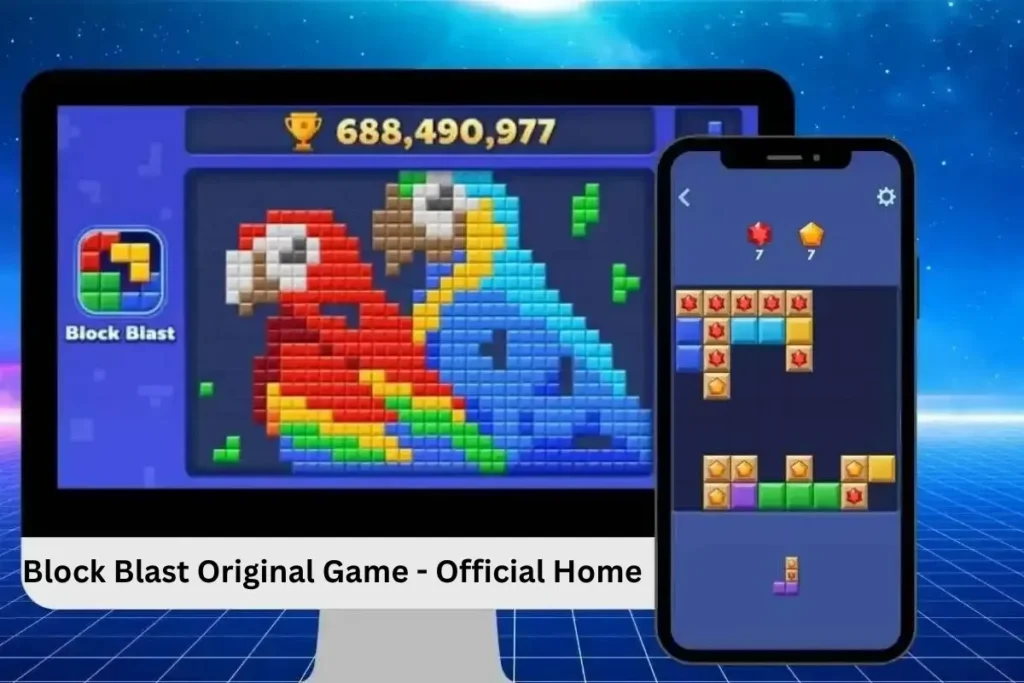
Who Should Avoid Using Block Blast Mod APK?
A mod version isn’t the right fit for everyone. Consider staying with the official release if any of these apply to you
- You care about leaderboard rankings. Mod versions don’t sync with Google Play Games, so any score you earn never appears on a real leaderboard. There’s no way around this – it’s a structural limitation, not a bug.
- You’re not comfortable enabling “Unknown Sources.” If changing this Android security setting makes you uneasy, that discomfort is a reasonable signal to stick with the app store version.
- You share the device with children. Official app store versions go through content and safety review. Third-party APKs don’t have the same oversight, which matters more on a shared or family device.
- You want guaranteed long-term support. If Hungry Studio changes the game’s core code significantly, mod versions can break and stay broken until an independent developer updates them – which isn’t guaranteed to happen quickly, or at all.
- You’re on iOS. Most Block Blast mod builds are Android-only. iOS users chasing similar unlocked content typically need third-party app installers, which introduce a different set of risks. Our iOS installation guide covers what’s actually possible on Apple devices.
- You’ve had antivirus flags on modified apps before. If your device or antivirus software has flagged modified APKs in the past, it’s worth trusting that history rather than overriding it for this specific game.
None of these situations mean the mod version is dangerous by default – they just mean the official release is the more sensible choice for your specific situation.
Common Myths About Block Blast Mod APK
Myth: Every mod APK is malware.
Not automatically true. Risk depends on the specific source. That said, several mod sites reviewed for this guide do request unnecessary permissions, so caution is still warranted – this isn’t a blanket “all safe” or “all dangerous” situation.
Myth: Downloading a mod APK gets your Google account banned.
Unlikely for a single-player game like Block Blast, since there’s no competitive ranking system tied to your account being manipulated. Ban risk exists mainly around ToS violations, not account-level penalties.
Myth: Mod APKs never get updated.
False for popular titles. Actively maintained mod sites for Block Blast have released new builds within days of official updates in the past. Smaller, less popular mod sources update far less reliably.
Myth: You can’t switch back to the original afterward.
You can uninstall a mod APK and reinstall the official version anytime. The only thing you lose is mod-version progress, since it never synced with Google Play Games to begin with.
Myth: The mod menu is a virus.
The mod menu itself is just an in-game settings overlay added by the developer to toggle unlocked features – it’s not inherently malicious. Malicious code, if present, would be hidden elsewhere in the APK, not in a visible toggle menu.
Advantages of Block Blast Mod APK
- Unlimited revives with no ad-gate or wait
- Score multiplier (10x–20x) for faster high scores
- Ad-free gameplay from install
- All skins and levels unlocked immediately
- Fully offline after installation
- No purchase prompts of any kind
Advantages of the Original Game
- Verified safe through official app store review
- Automatic updates with zero manual effort
- Google Play Games / Game Center sync across devices
- Real leaderboard participation
- Official customer support if something breaks
- Genuine difficulty pacing, unaffected by unlimited revives
Which Version Should You Choose?
Use Case | Better Choice | Why |
|---|---|---|
Best for Beginners | Original | Real difficulty pacing and built-in tutorial |
Best for Casual Players | MOD APK | Fewer ad interruptions during short sessions |
Best for Offline Gaming | MOD APK | No background sync attempts once installed |
Best for High Scores | MOD APK | Score multiplier speeds up progress, though scores don’t count competitively |
Best for Security | Original | App store review process and verified source |
Best for Official Updates | Original | Automatic updates direct from Hungry Studio |
Best for Long-Term Use | Original | Guaranteed continued support and compatibility |
If security, leaderboard participation, and automatic updates matter most to you, the original is the safer long-term choice. If ad-free offline play and instant access to unlocked content matter more than competitive tracking, the mod version delivers that directly.
A common middle ground: keep the original installed for genuine progress and leaderboard standing, and install a mod build separately for relaxed, offline sessions where score doesn’t need to count for anything.
How to Install Both Versions
Installing the Original Game
- Open Google Play Store or Apple App Store
- Search “Block Blast” (developer: Hungry Studio)
- Tap Install or Get
- Sign in with Google Play Games or Game Center for progress sync
- Sign in with Google Play Games or Game Center for progress sync
Installing Block Blast Mod APK
- Get the file from a Download Block Blast Mod APK source you trust
- Download the APK to your device storage
- Go to Settings → Security (or Apps) → enable “Install Unknown Apps” for your browser or file manager
- Open your file manager and tap the downloaded APK
- Approve the install prompt and requested permissions
- Approve the install prompt and requested permissions
Safety & Things to Know
Check permissions before installing, not after. A puzzle game has no legitimate reason to request access to your contacts, SMS, or camera. If the install prompt asks for these, cancel and look elsewhere.
Antivirus flags aren’t always accurate, but don’t ignore them either. Modified APKs sometimes trigger false positives simply because their code doesn’t match the original signature. That said, if multiple scanners flag the same file for the same reason, treat that as a real warning, not noise.
Uninstall the original first if you’re having install conflicts. Some devices block a mod APK from installing alongside the official version because their package names or signatures conflict. If installation fails, removing the original app first (after backing up progress) usually resolves it.
Don’t log into your Google account inside the mod version. Since mod builds don’t properly sync with Google Play Games, signing in can occasionally cause sync errors or duplicate save conflicts. Keep the two versions and their accounts separate.
Re-disable “Unknown Sources” after installing. Leaving this setting permanently on increases your device’s exposure to unrelated unsafe installs later. Turn it off again once the mod APK is installed.
Understand this is a ToS violation, not a legal issue. Using a modified APK breaches Hungry Studio’s terms of service. For a single-player game with no real-money competitive stakes, this typically just means no official support – it’s not the same as piracy of paid software.
Back up before switching. If you’ve built real progress in the original, note your score milestones or rely on Google Play Games cloud sync before experimenting with a mod build, since the two don’t share save data.
Frequently Asked Questions
Final Verdict
Both versions are legitimate ways to play Block Blast – they just serve different priorities. The original remains the right starting point for anyone new to the game, and it’s the only version that gives you real leaderboard standing and official support if something goes wrong.
The mod version earns its popularity honestly: ad-free, offline, unlimited revives, and a score multiplier are genuinely appealing if you already know the base game and just want a smoother, unrestricted experience. The tradeoff is no official support, no leaderboard participation, and a real (if generally low-risk) ToS violation.
Our recommendation: start with the original to learn real pacing and see if the puzzle hooks you. Once you understand the core game, decide based on what you actually want from it – if leaderboard standing and long-term support matter, stay official. If ad-free, unlocked, offline sessions matter more, the mod version is a reasonable next step.
Ready to explore your options? Visit BlockBlastMods.com for the latest verified builds, detailed installation walkthroughs, and feature-specific guides covering everything from the mod menu to unlimited revives – everything you need to make the switch safely, all in one place.